Glowforge, xTool, Epilog, Trotec, school fab labs, model railroaders
Cuts fast. Scorches light. Etches with contrast.
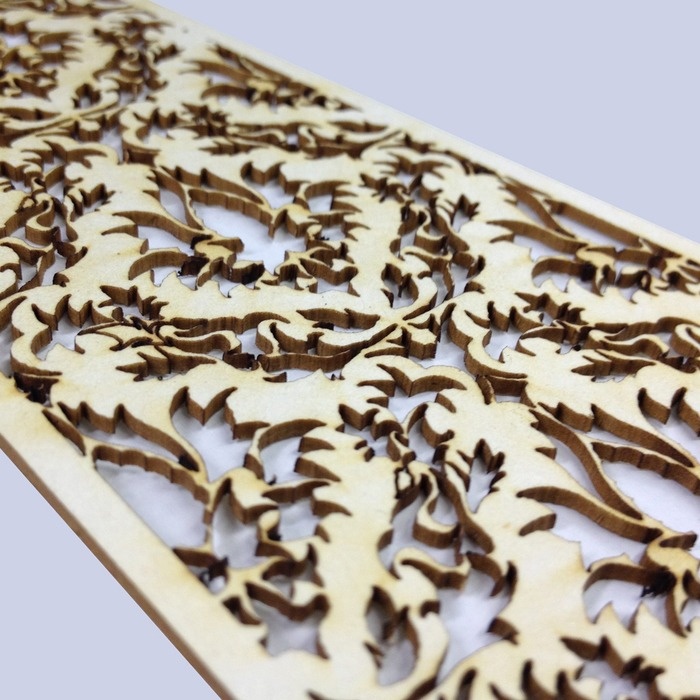
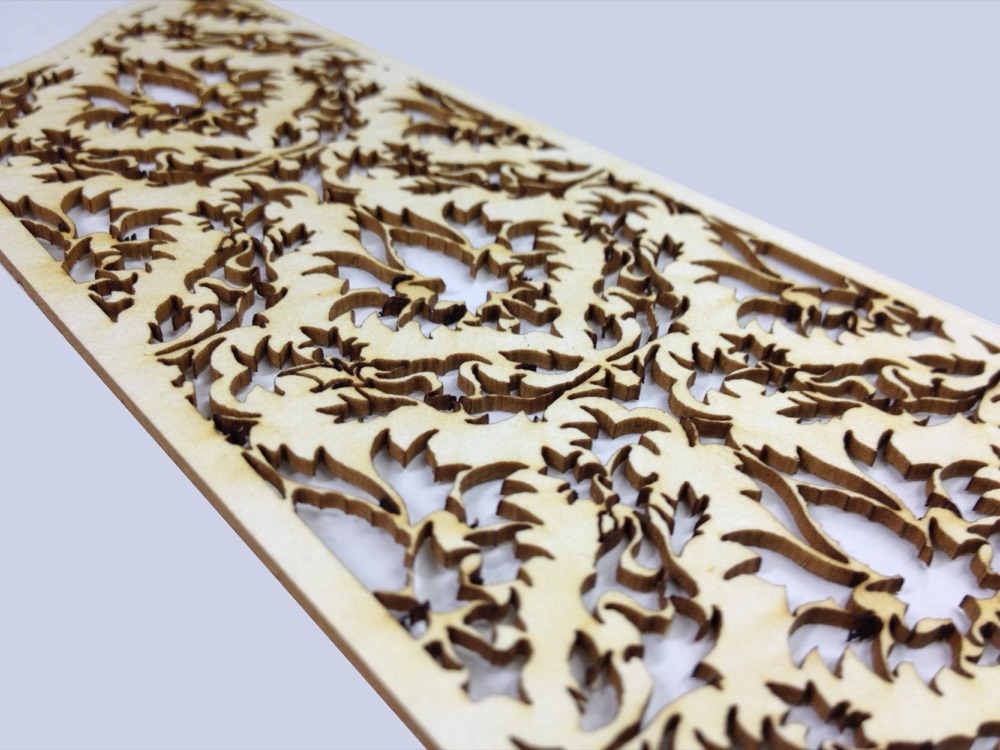
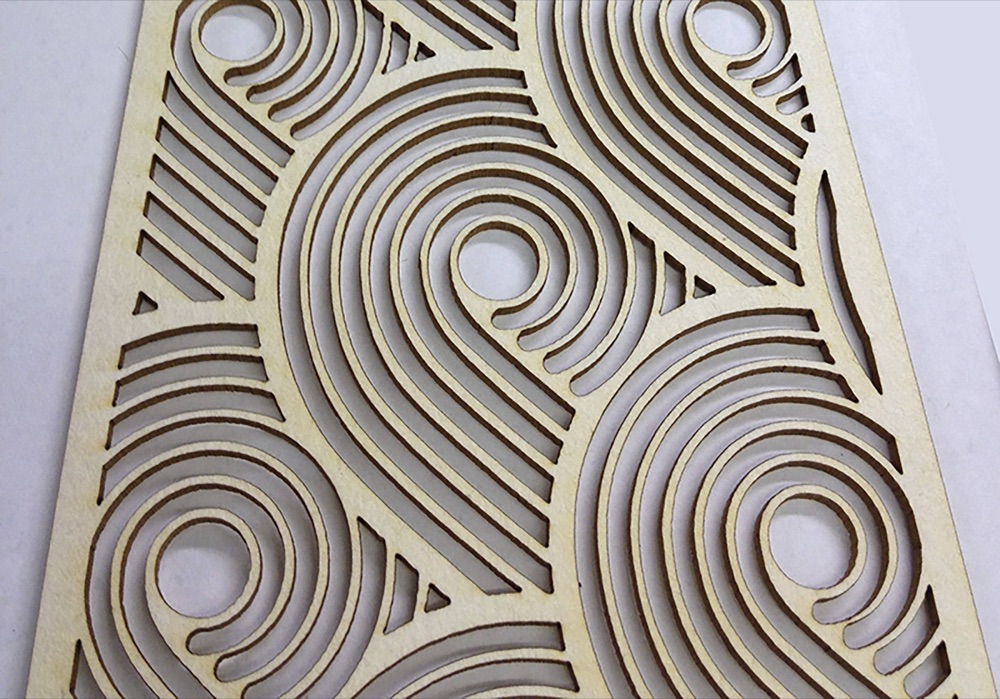
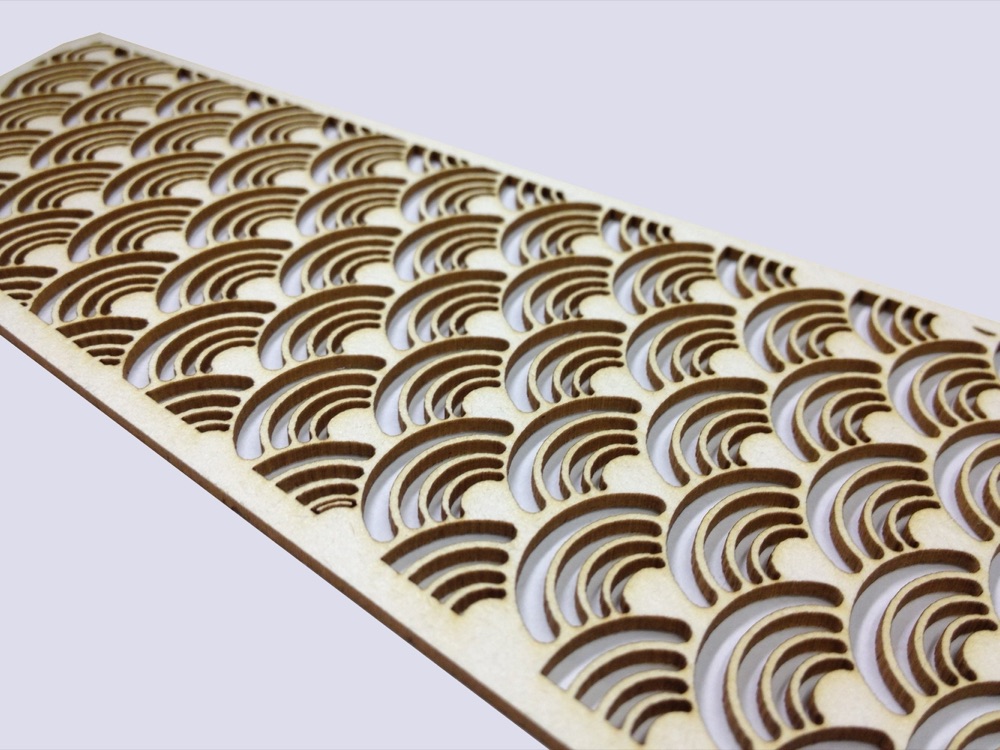
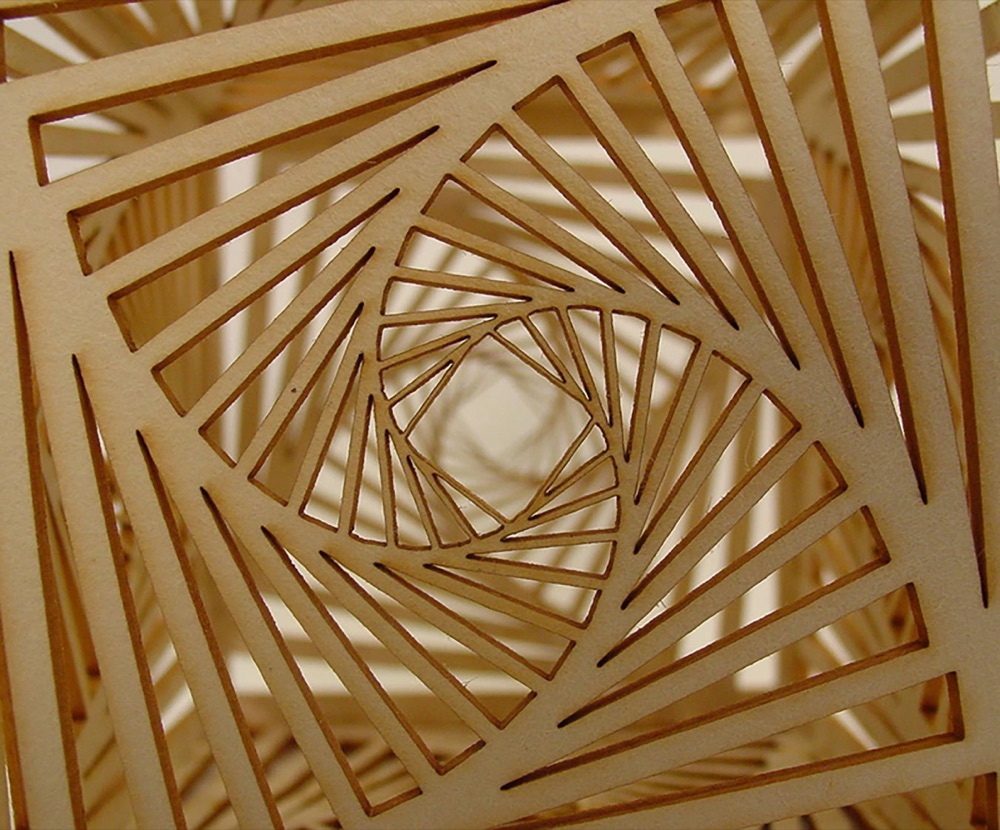
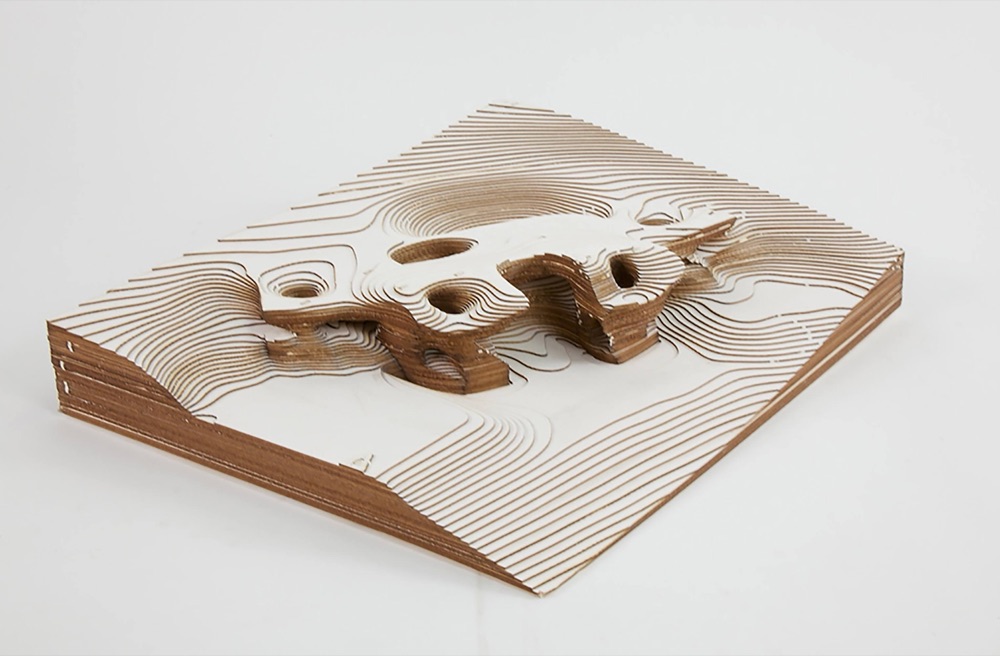
A lightweight wood fiber board at half the density of chipboard or museum board, so it cuts fast and clean, with light-colored scorch marks and a white surface that etches cleanly.
From $2.96 a sheet.
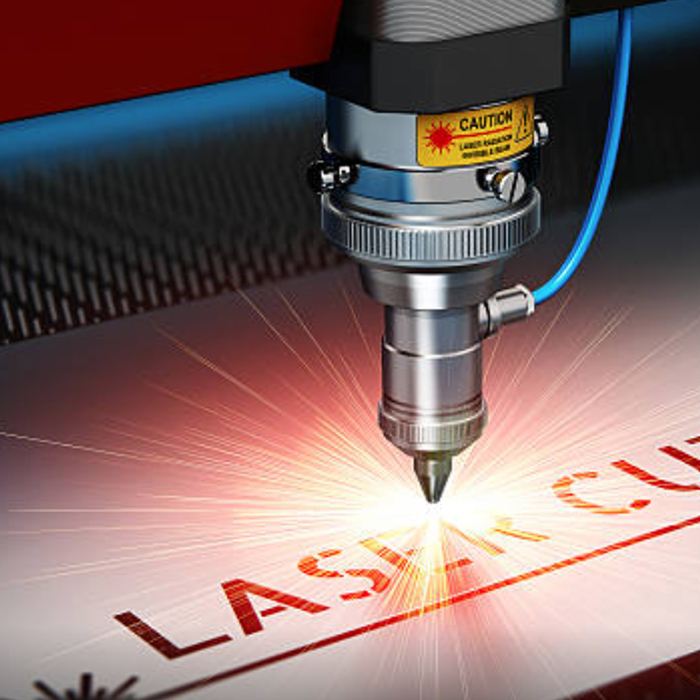
Made for laser cutters & makers
Why it works on a laser
Cuts fast
Faster than other materials, so each job spends less time under the beam. That matters when machine time is limited.
Light scorch marks
Edges come out with minimal, light-colored scorch marks. They sand clean.
Etches with contrast
White etches cleanly and reads well under paint.
Every laser is different. Find your settings with the circle test.
How it's done here
From file to finished part
1
Pick the color
White. It etches cleanly and paints smooth.
2
The circle test
Every laser is different. Cut a row of small circles, each with its setting etched beside it, and use the first circle that cuts fully through.
3
Cut and engrave
Cut the outlines, then engrave the detail.
4
Finish
Sand the edges, paint, or leave it white.
Also on the layout
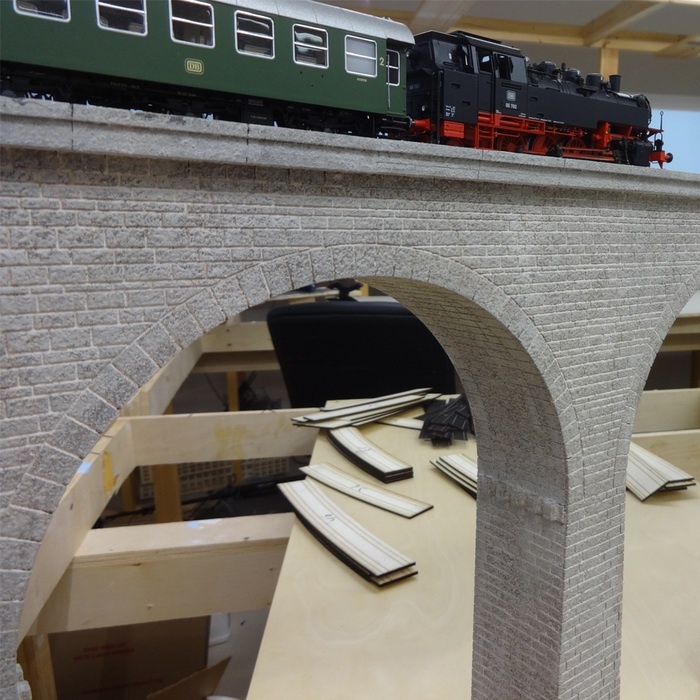
Model railroaders scratch-build with it
Pre-paint it, laser it, knife it. HO, O or G scale.
Pre-paint, then laser
Paint the sheet first and cut afterward. It saves painting the grout lines.
Reads as brick
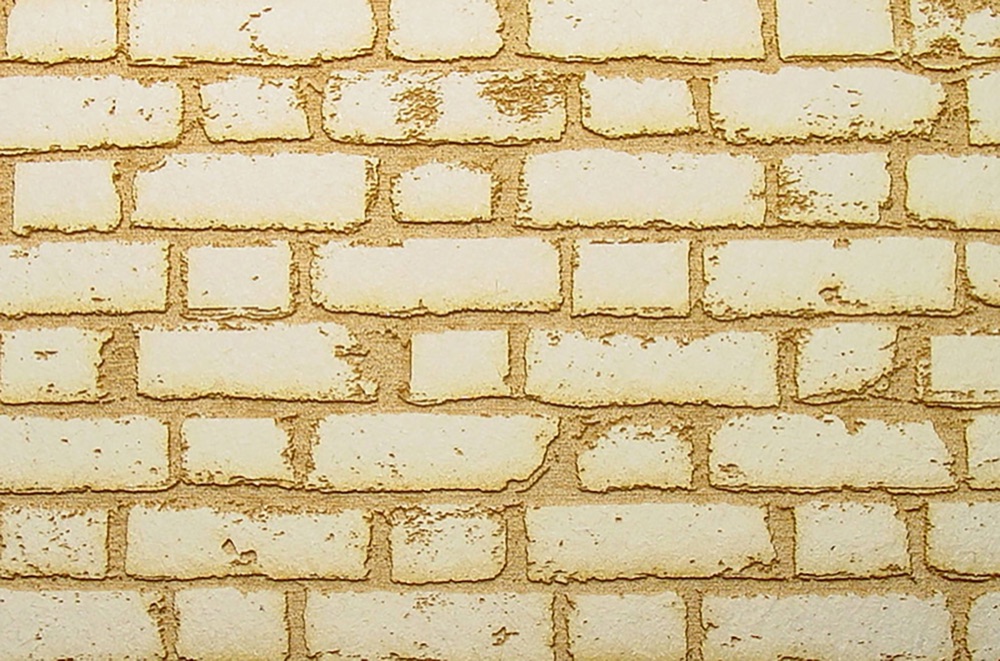
A slightly rough surface that reads as brick under paint.
Three thicknesses
From fine trim to bases.
Intricate windows
Windows cut cleanly with a craft knife or a laser.
“The windows were a treat to laser. All parts were made from 1/8" or 1/16" Taskboard.”
“The Taskboard surface has a nice brick texture, not overdone. It can also be pre-painted before laser cutting, which saves painting the grout lines.”
“I am using Taskboard to make the paved surfaces. It is easy to work, and has a slightly rough texture that looks like pavement when painted.”
In their words
From people who use it
“Taskboard was used because it was cheaper, readily available, and didn’t take as long to laser-cut. With each student’s limited laser time, that was absolutely essential.”
“When I am making a complex model I prefer the laser cutter. If I am prototyping I cut by hand. The Taskboard cuts so beautifully. I love your product!”

Questions
Good to know
What laser cutters can I use it with?
It cuts on a laser cutter. Examples include Glowforge, xTool, Epilog, Trotec and Universal machines. Every laser is different. Find your settings with the circle test.
Does it scorch?
It leaves minimal, light-colored scorch marks, and the edges sand clean.
Which color should I engrave?
White. It etches cleanly, reads well under paint and is the color we make going forward.
Can I bend laser-cut parts?
Yes, for 1/32" and 1/16", with water.
Can I use it for model railroad buildings?
Yes. Model railroaders scratch-build with it, and they pre-paint the sheet before cutting. See the railroad section on this page.
Also made for
What will you make?
Ships by UPS, Ground to Next Day Air. Returns within 14 days.
Before you cut: how to find your laser settings.